IRIV SmartHub CM5
Built to stay on.
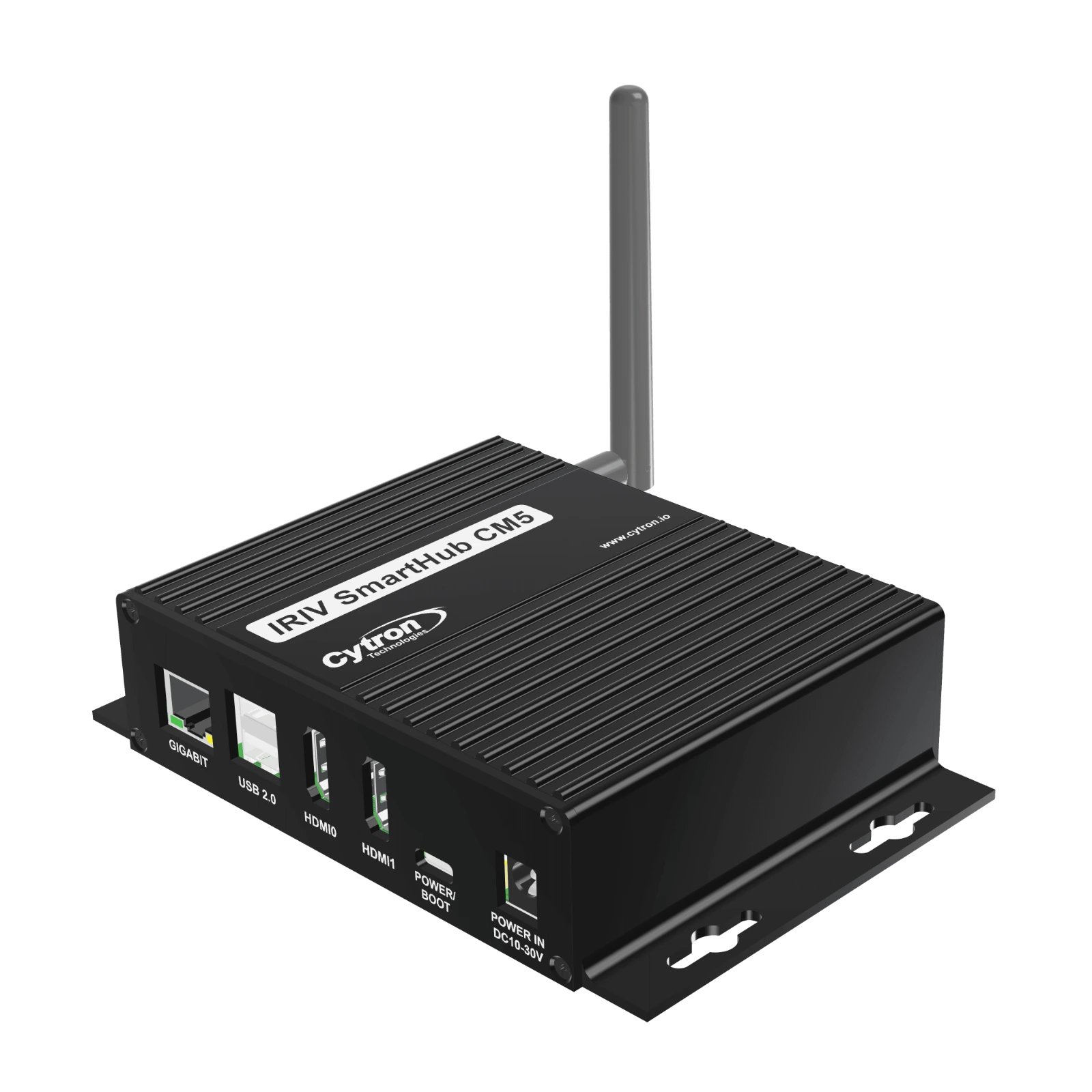
A fanless industrial computer on Raspberry Pi CM5. Two 4K screens, Gigabit Ethernet, Wi-Fi and 10–30 V power, in a metal case that fits in one hand.
IRIV SmartHub CM5
A fanless industrial computer on Raspberry Pi CM5. Two 4K screens, Gigabit Ethernet, Wi-Fi and 10–30 V power, in a metal case that fits in one hand.
The film
Every port, a shop checkout, two-screen signage and a production tracker, narrated.
English narration · short captions · 1080p. Use the player controls for sound and captions.
Look around
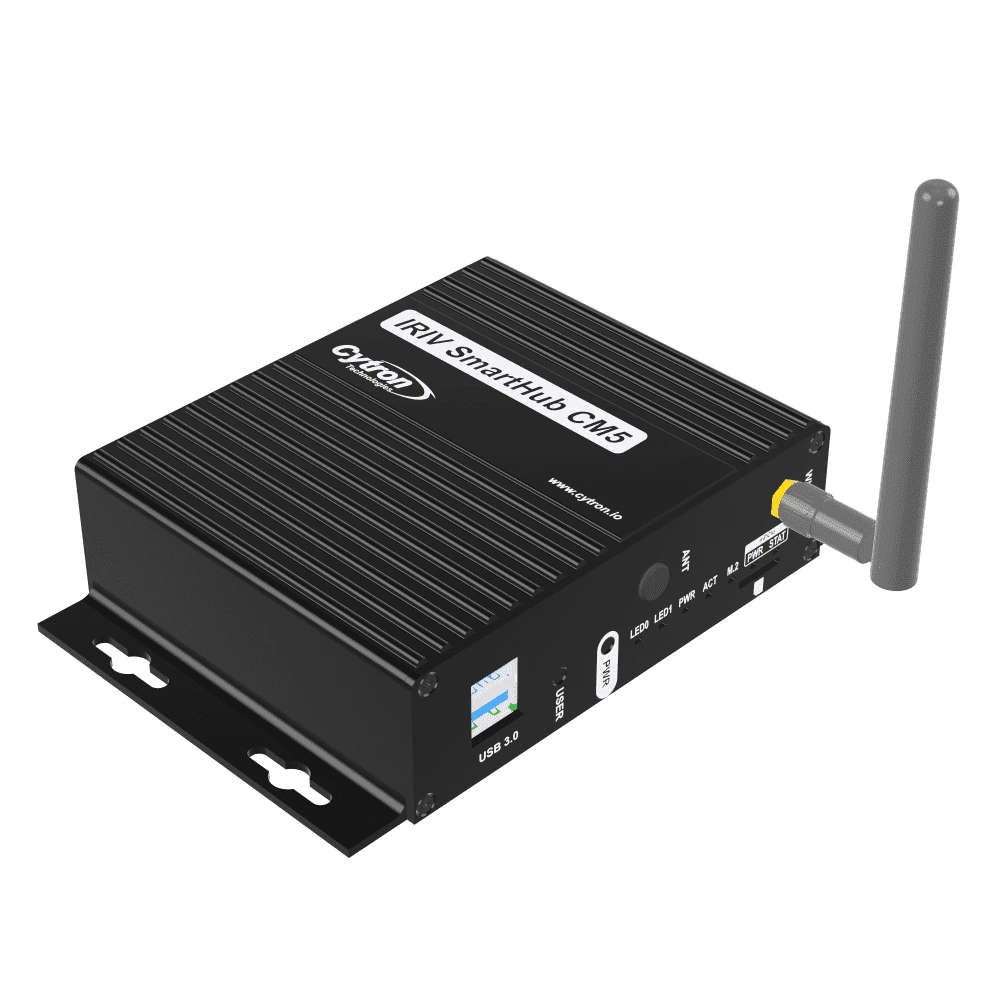
The finned case is the heatsink. No fan to clog, no moving parts to wear out, nothing to maintain.
The back
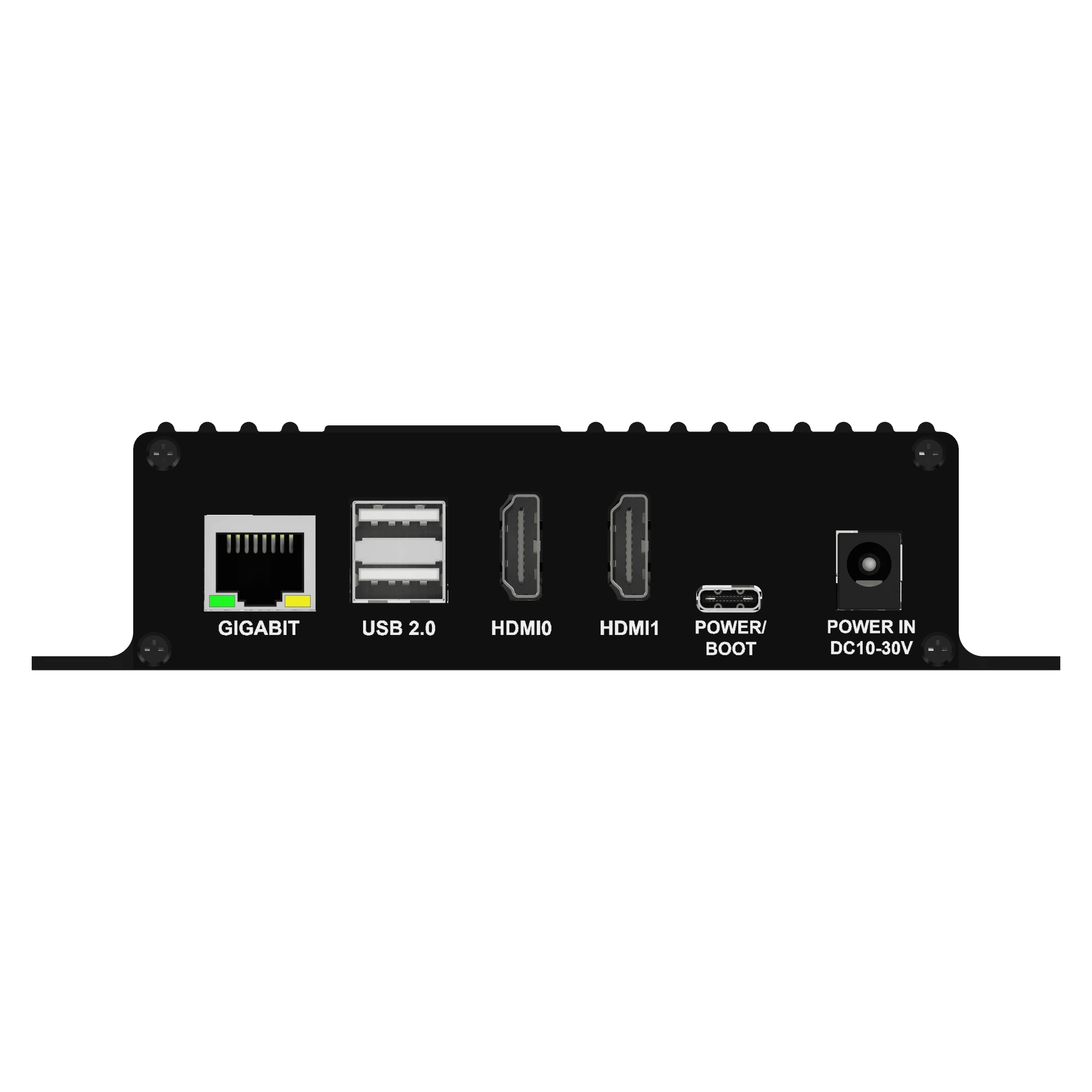
Gigabit Ethernet, two USB 2.0 ports and two full-size HDMI ports at 4K, with USB-C or 10–30 V DC for power.
The front
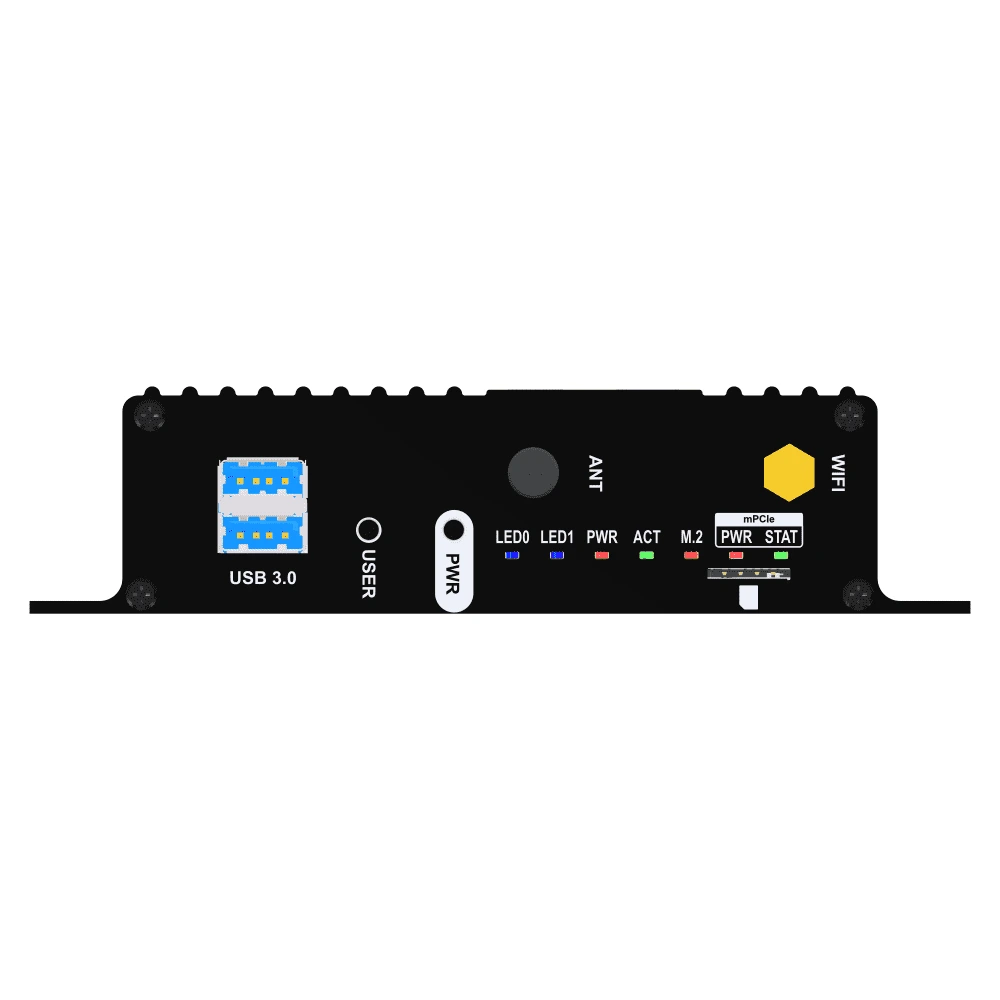
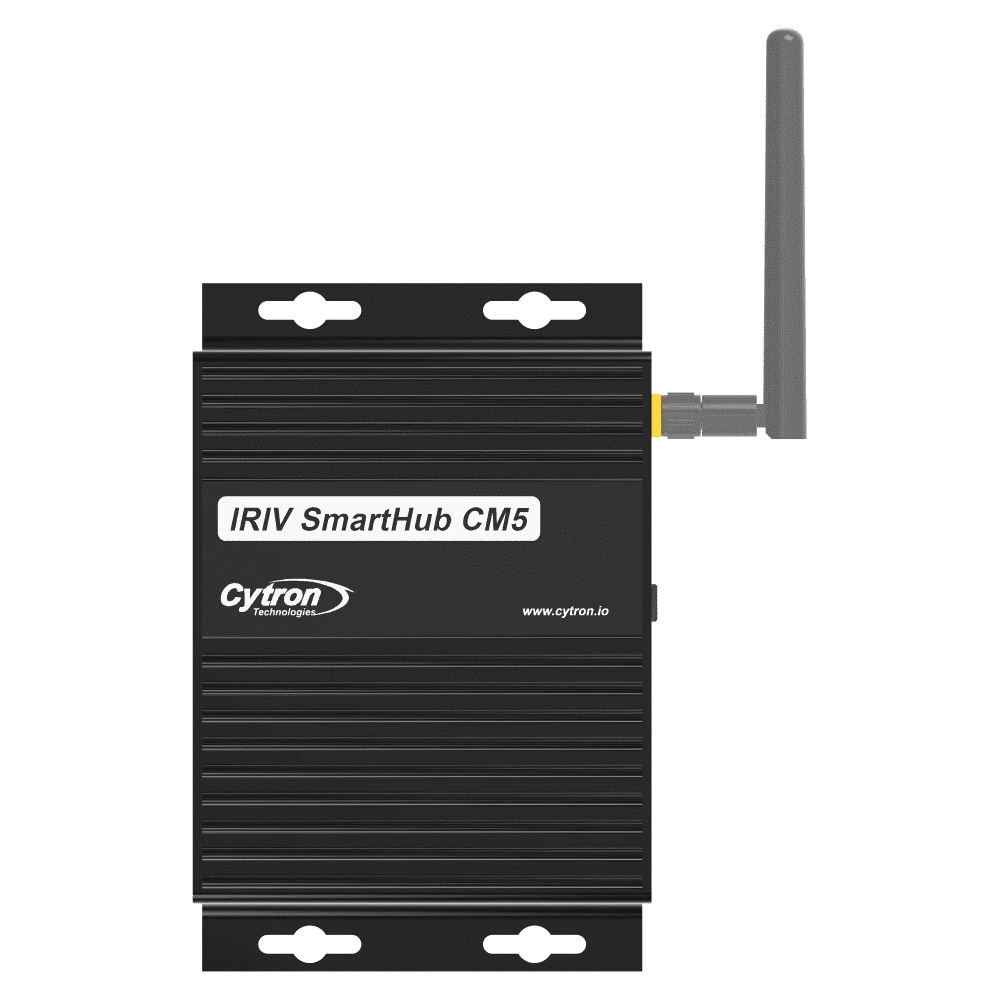
Two USB 3.0 ports, a power button, a programmable USER button and status LEDs, with the Wi-Fi antenna and a SIM slot for 4G.
The mount
Keyhole flanges fix it to a wall, a control panel or the back of a screen, out of sight and out of the way.
Get the highlights
Two full-size ports, each up to 4K at 60 Hz. Cashier and customer, or two signage screens.
Raspberry Pi CM5: a quad-core Cortex-A76 at 2.4 GHz, with up to 64 GB of eMMC.
No moving parts and nothing to maintain.
Or power it over USB-C on a desk.
Add an SSD for databases and recordings.
Depending on RAM, storage and kit. Excluding tax.
Live demo
Three jobs a SmartHub does every day. Switch between a shop checkout, a pair of signage screens and a production tracker.
Simulation · illustrative sequence and values, not measured hardware performance.
Rear panel
Network, USB, two screens and power, in one row. Tap any port to see what it does.
Front panel
USB 3.0, buttons, status LEDs, the Wi-Fi antenna and a SIM slot.
What you can connect
Screens, USB devices, networks and the IRIV devices that feed it data. Pick a port to see where it is, how to use it, and real parts you can order from Cytron. Add parts to My system to check the ports and the price.
Products and prices from my.cytron.io on 11 November 2026, excluding tax. Check each product page for current price, stock and compatibility.
Ready-made systems
Three complete parts lists, each with the port every part uses. Copy one into a quote and adjust the quantities.
SmartHub units run the shop and mini-market checkouts in the NeoVille smart city demo.
Tested by Cytron
84In Cytron’s own long-run test, a SmartHub CM5 showed 84 days of uninterrupted uptime, with its CPU at about 56 °C on the temperature log.
The brains
Every SmartHub has the same ports and the same Raspberry Pi CM5. Choose the RAM and storage, then the kit.