IRIV IO Controller MQTT
Wire it in. It’s on MQTT.
An industrial I/O gateway with 11 isolated inputs, 4 outputs, 2 analog inputs and RS485. Set it up in a browser and every signal is published to your broker. No code.
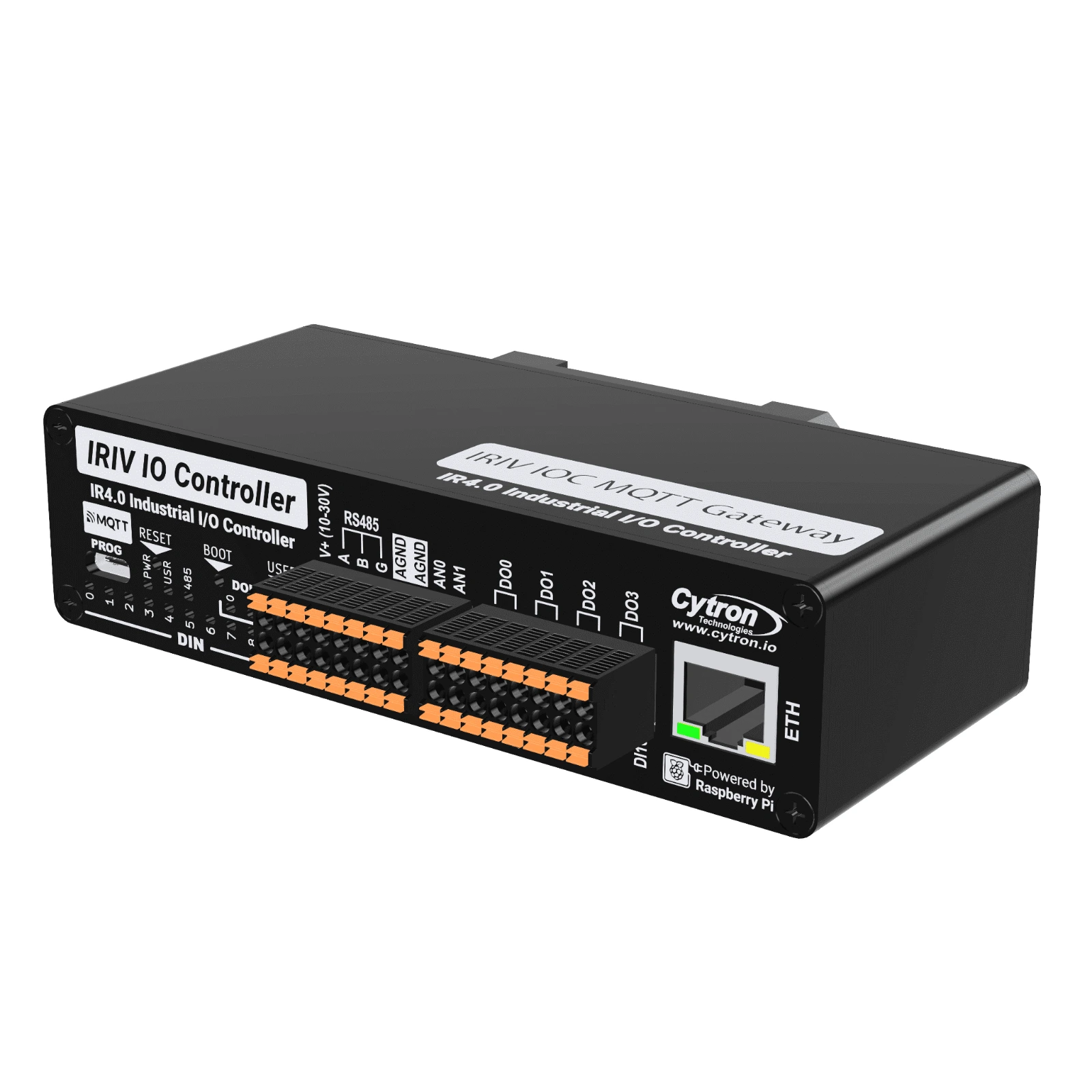
IRIV IO Controller MQTT
An industrial I/O gateway with 11 isolated inputs, 4 outputs, 2 analog inputs and RS485. Set it up in a browser and every signal is published to your broker. No code.
The film
A narrated tour of all 32 terminals, a pump station, a machine monitor and the browser setup.
English narration · short captions · 1080p. Use the player controls for sound and captions.
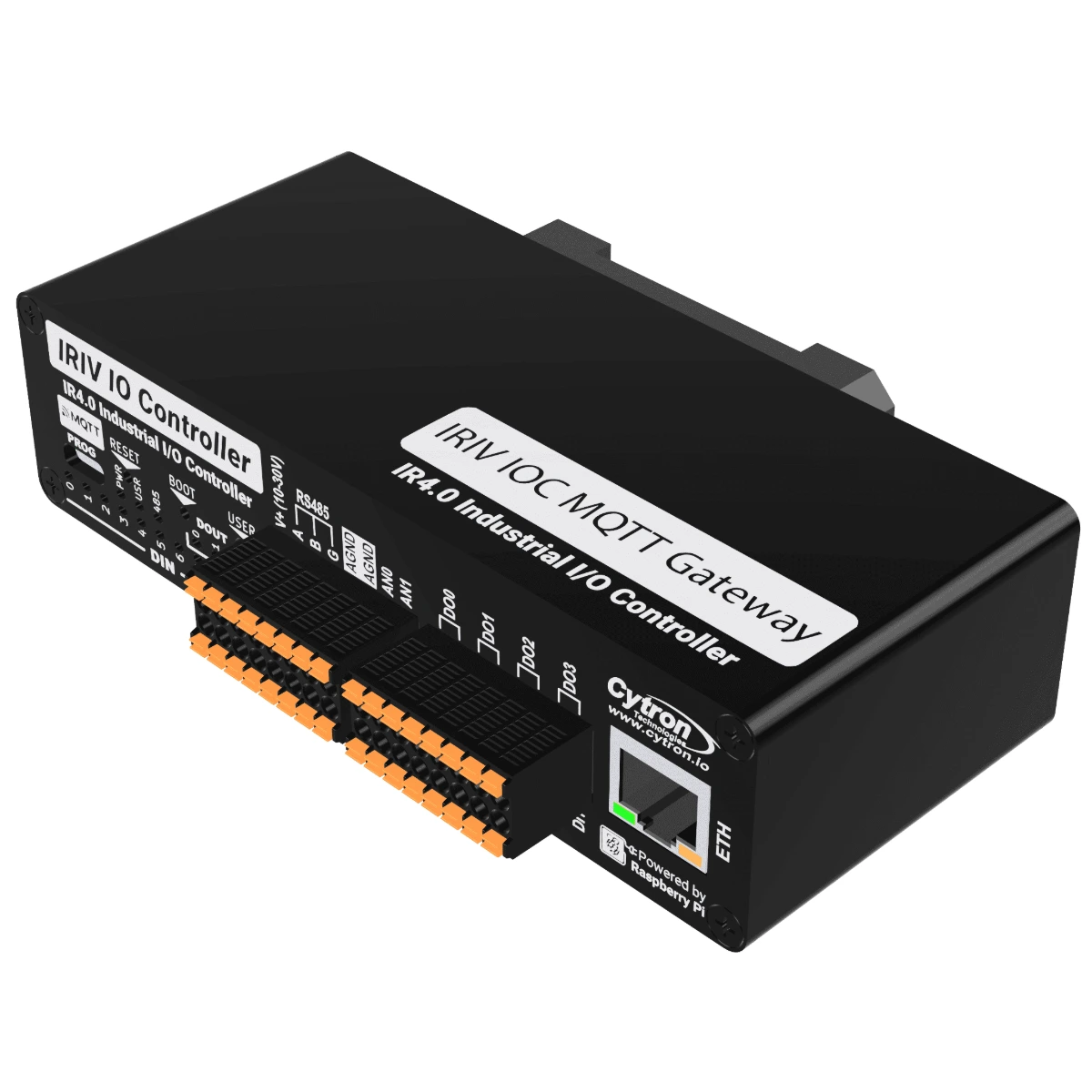
Look around
It arrives with the MQTT firmware installed. There is no program to write and nothing to compile.
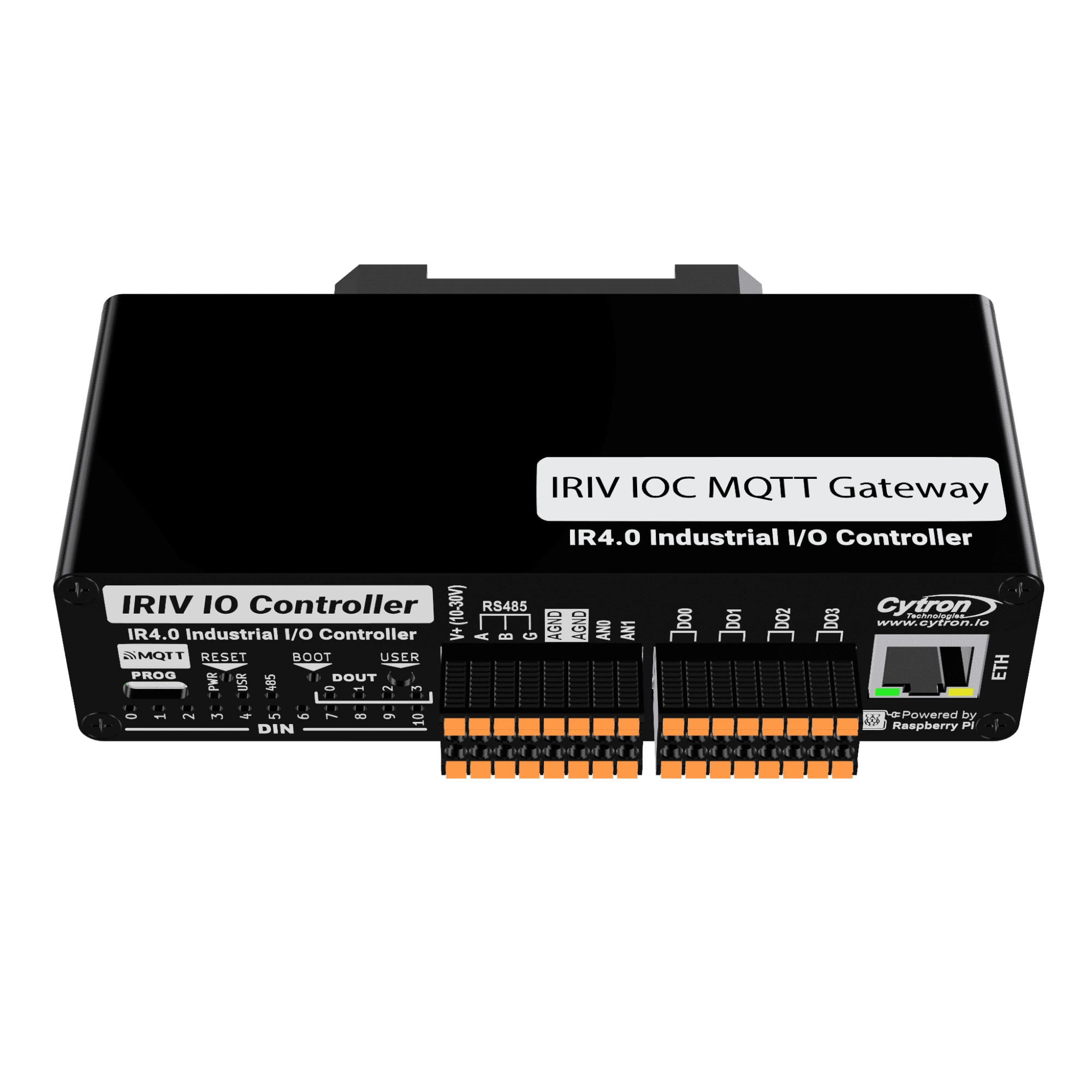
The front
Power, RS485, two analog inputs, eleven digital inputs and four outputs, all on push-in terminals with an LED for every channel.
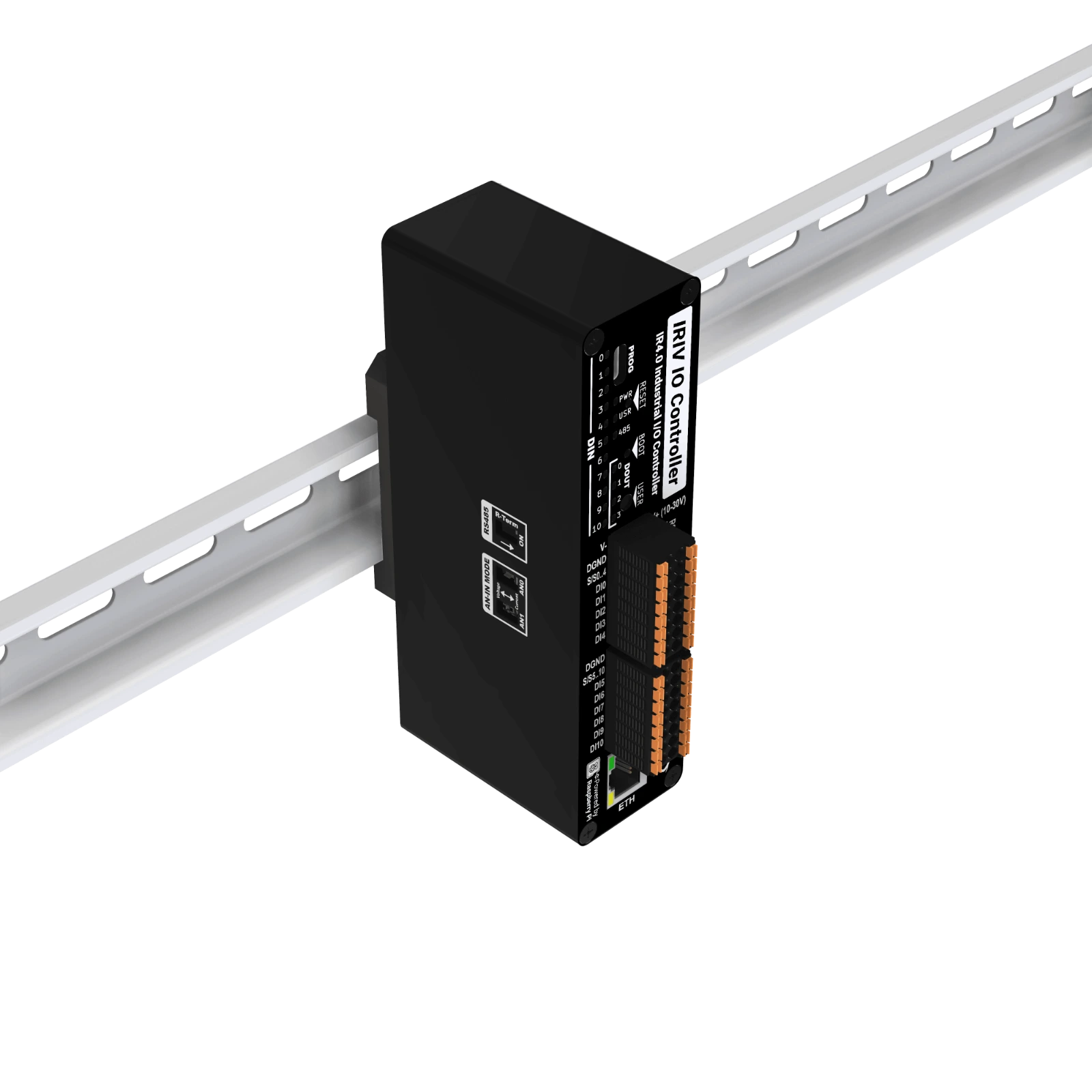
In the cabinet
It mounts on a standard DIN rail. Two switches on the side set the RS485 terminator and choose voltage or current for each analog input.
Get the highlights
Eleven digital inputs and four outputs, each isolated and rated up to 50 V.
Tick the channels, name the topics and save. The gateway does the rest.
12-bit, each 0–10 V or 4–20 mA.
Polls meters and sensors and publishes their values.
Runs from the 24 V supply on the rail.
From my.cytron.io, excluding tax.
Try it
This panel behaves like the gateway’s own live view. Click an input or an output, or drag an analog value, and see what is published.
Nothing has changed, so nothing has been sent. That is report by exception.
Simulation. The base topic iriv/CB62 and the di/0 style follow Cytron’s screenshots; other topics and the payloads are illustrative.
Live demo
Two jobs it does well: running a pump from a float switch, and watching a machine for cycles and stops.
Simulation · illustrative sequence and values, not measured hardware performance.
Zero code
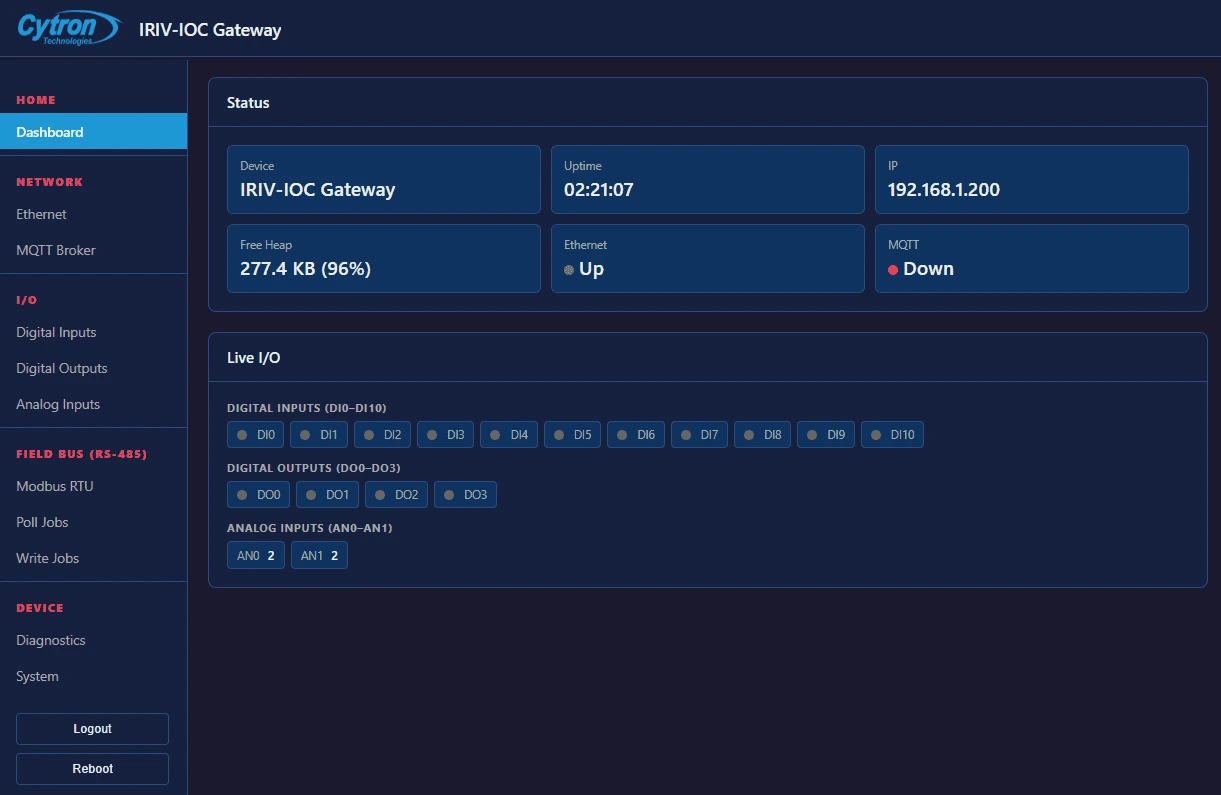
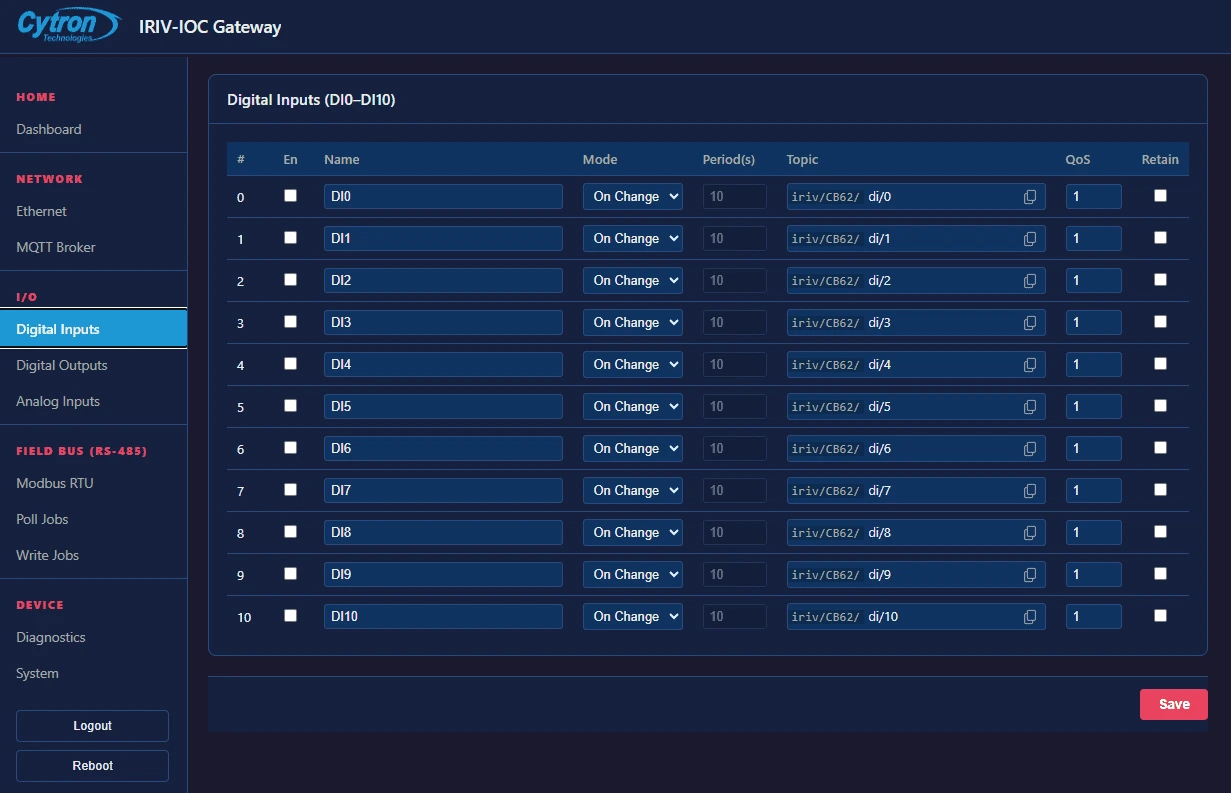
The gateway serves its own configuration pages. These are the real screens, from Cytron’s product page.
Front panel
Two 16-way push-in terminal blocks, Ethernet, a USB-C setup port and an LED for every channel. Tap any area to see what it does.
Terminal map
Laid out as they sit on the front panel, left block and right block. Tap a terminal to highlight its group.
Side and back
The side switches set the RS485 terminator and the analog input mode. The clip on the back holds it on a DIN rail.
What you can connect
Switches, sensors, relays, meters and a broker. Pick a terminal group to see where it is, how to wire it, and real parts you can order from Cytron. Add parts to My system to check the terminals and the price.
Products and prices from my.cytron.io on 11 November 2026, excluding tax. Check each product page for current price, stock and wiring details.
Ready-made systems
Three complete parts lists, each with the terminal every part uses. Copy one into a quote and adjust the quantities.
IO Controllers report breakers, pumps, blowers and machines across the NeoVille smart city demo.
The details
A Raspberry Pi RP2350 with isolated I/O, in a fanless metal case for the DIN rail.